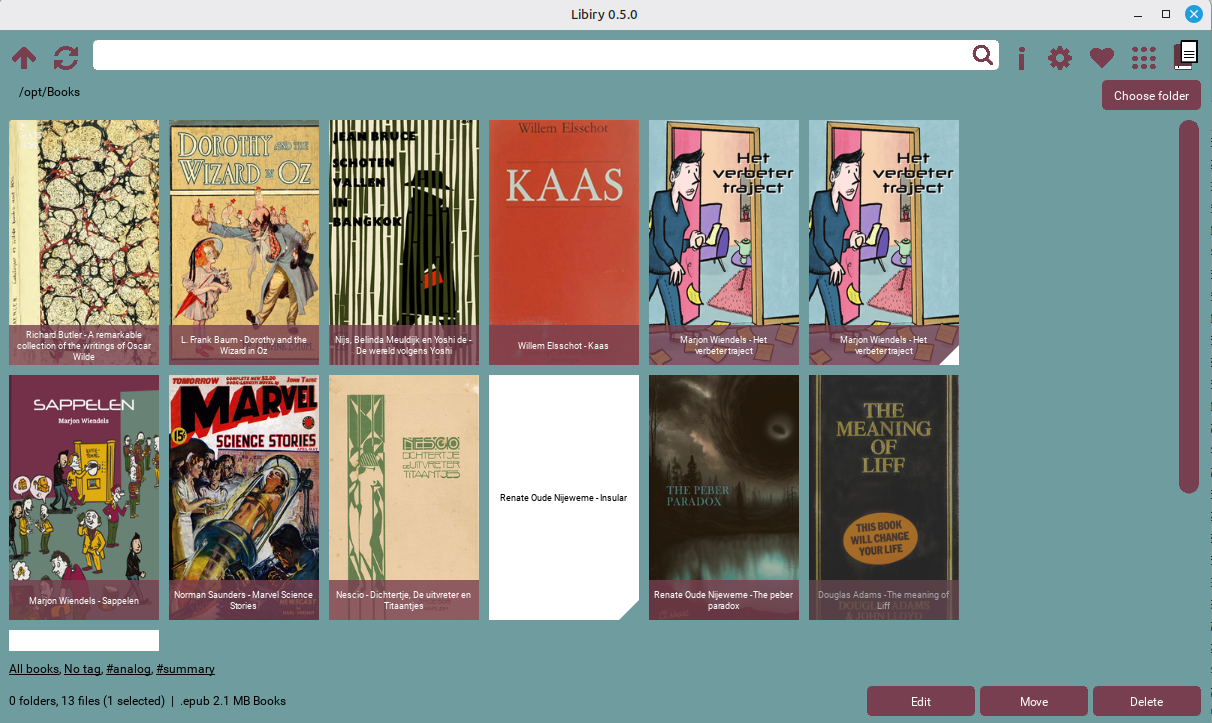
Welcome to the official Libiry site.
Libiry is a stand-alone cataloging system designed for individuals with a small to medium-sized collection. It is built for cataloging books, but can be used for other collections too.
With Libiry, you can manage your physical books, e-books, audiobooks, book notes, summaries, games, movies, board games, etcetera etcetera.
The ‘bi’ in the name stands for two, referring to the digital and analog books it can handle.
Libiry allows you to view, edit, and organize metadata (like tags, author, title and shelf). It is a simple cross-platform tool with a customizable interface.
Libiry consists of five tools that work together.
| Component | Description | Platform |
|---|---|---|
| Libiry | Browse and maintain your physical and digital library | Windows, Linux |
| BookSpineScanner | Scan or upload bookshelf photos and extract book metadata to markdown files | Web - Any device |
| Calibre2Libiry | Convert your Calibre library to the more flexible Libiry format | Windows, Linux |
| Libiry2Go | Create portable markdown files with all your book data | Windows, Linux |
| Align book data | Check and consolidate your book data and detect conflicts | Windows, Linux |
Libiry works with your own book folder structure.
It visualizes all of your books and zines, with or without an ISBN number.
There’s no separate database.
You can choose your own book data field names.
Libiry is open-source software released under the Creative Commons 1.0 License.